CMYK Printer Test Page
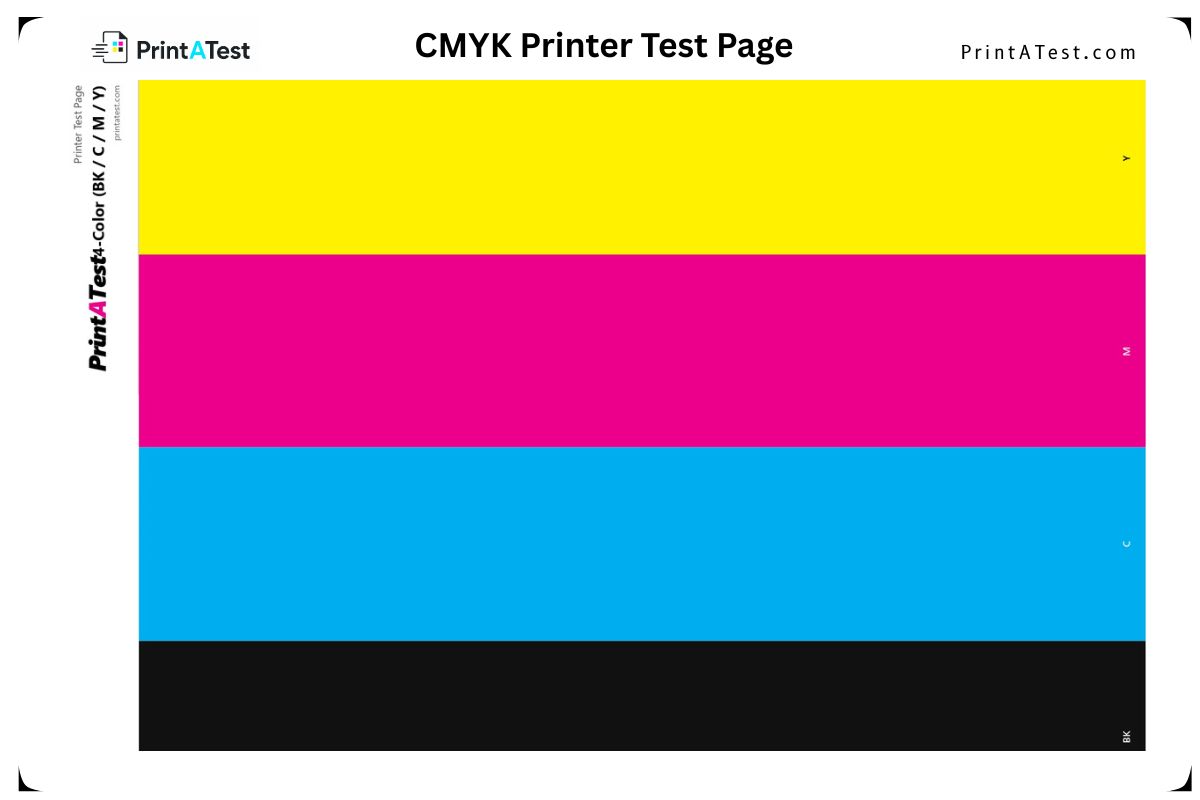
A single-sheet 4-color test — solid vertical bars of Black, Cyan, Magenta, and Yellow — modelled on classic printer diagnostic pages. Spot a failing cartridge in seconds.
About This CMYK Color Printer Test Page
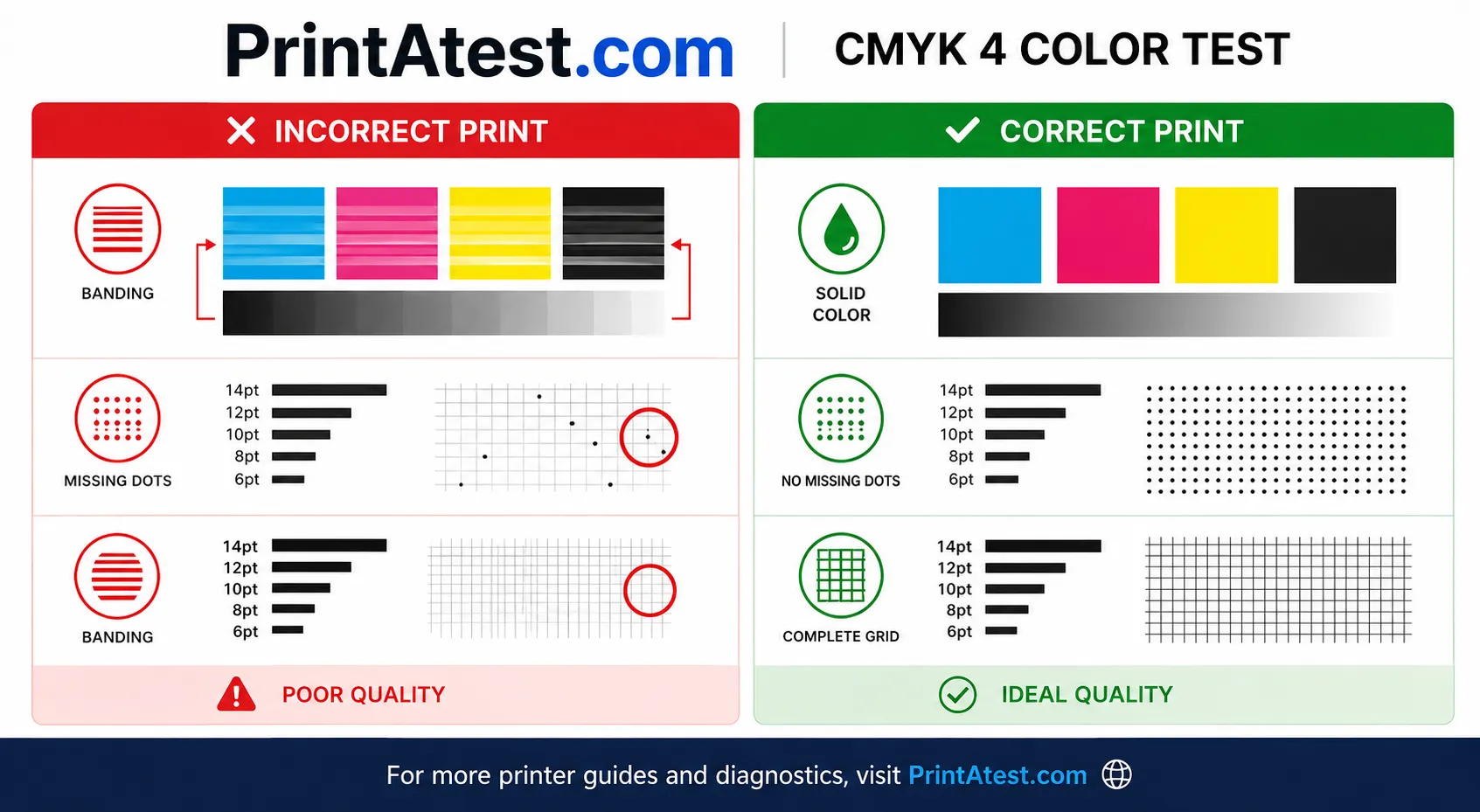
A CMYK test page is a specialized diagnostic tool that evaluates your printer's ability to accurately reproduce the four fundamental printing colors: Cyan, Magenta, Yellow, and Black (Key). This test is crucial for detecting color separation issues, color shifts, and ink alignment problems that can affect print quality.
CMYK testing is essential for professional printing because it reveals how well your printer handles four-color separation, identifies color bias or tinting issues, and ensures proper registration between different ink colors. This helps you avoid costly misprints, wasted ink, and ensures your final prints match your design expectations.
How to Use the CMYK Color Page
- 1Step 1Click 'Print This Test Page'.
- 2Step 2Select your printer and standard Letter/A4 paper.
- 3Step 3Turn OFF 'Fit to page' and any color correction for accurate coverage.
- 4Step 4Inspect each colored bar for streaks, banding, or weak color that signals a clogged nozzle.